Clients
Help
Community
Contact
EN
Français
English
Nederlands
Deutsch
Español
Italiano
Português
Get started
04. How to choose a theme
Published
20/02/2009
In
Tutorials
By
sbuysse
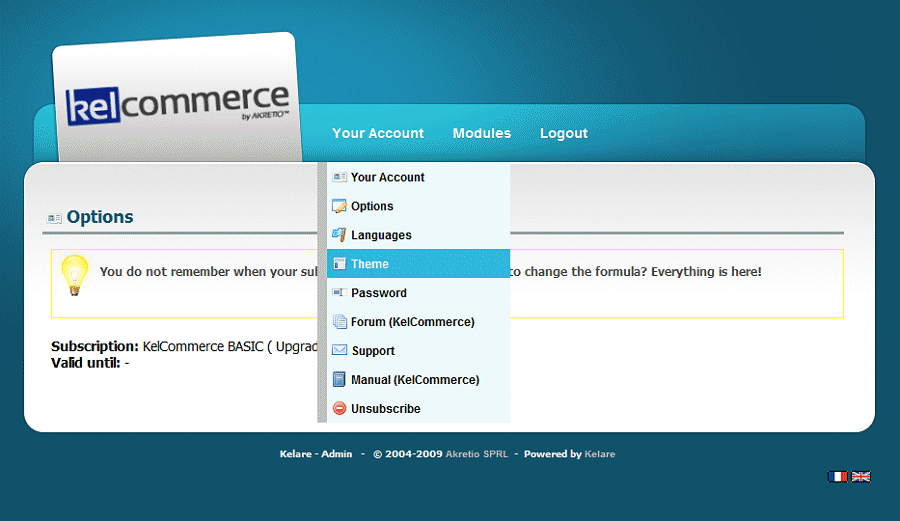
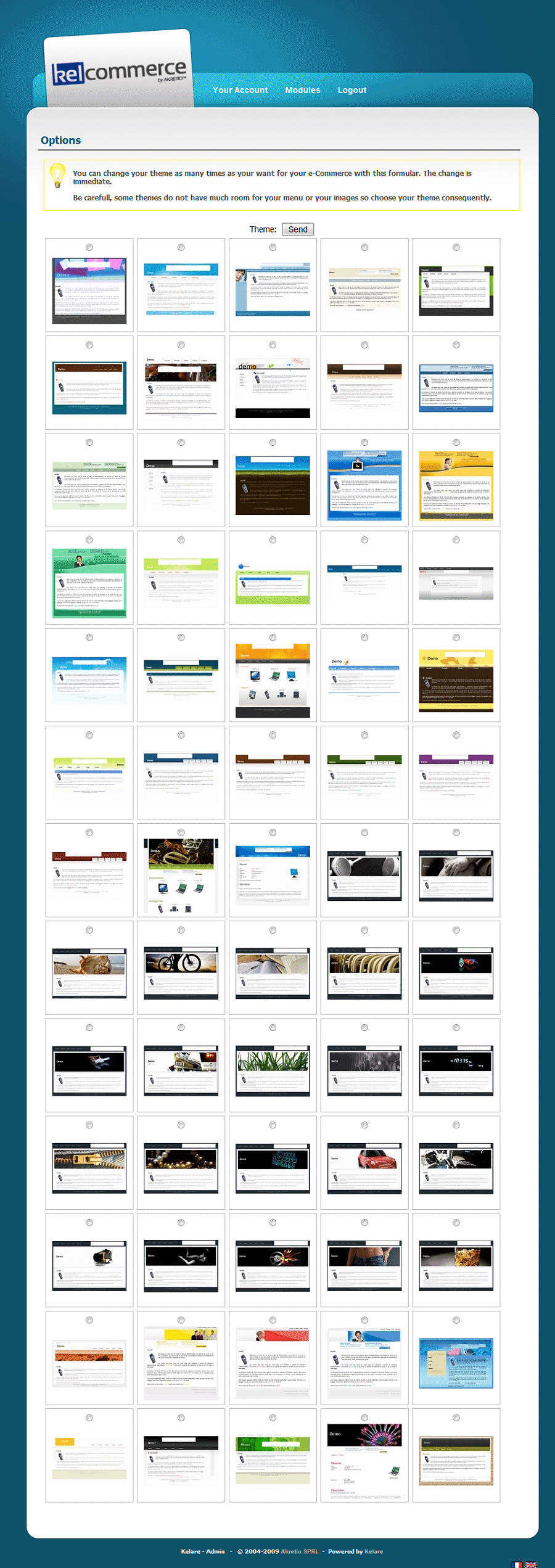
You can choose and change your theme at any time via the administration module. To do this, go to the page "theme".
Now you just click on the theme you want for your e-Commerce and validate your choice.
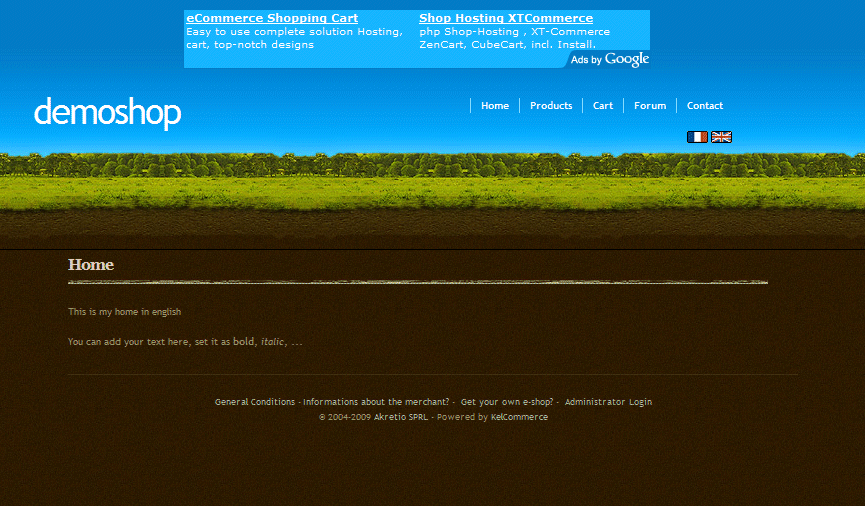
Without waiting a moment, your site is already updated with the new theme!
Similar Articles
25-02
sbuysse
16. How does a client purchase on your KelCommerce?
25-02
sbuysse
15. Configure your e-Commerce to accept a payment ...
25-02
sbuysse
14. Configure your e-Commerce to accept a PayPal p...
25-02
sbuysse
13. Import a product from eBay on my e-Commerce
25-02
sbuysse
12. How to manage the stock of its products?
25-02
sbuysse
11. Add options on a product
24-02
sbuysse
10. Add a custom field on a product
24-02
sbuysse
09. Add a product to sell in my e-Commerce
23-02
sbuysse
08. Add a product category
23-02
sbuysse
07. Change the languages available for clients?
Post a Comment
You have to be logged to access this feature
Login
(
Inscription
)
Password


 EN
EN Français
 Nederlands
 Deutsch
 Español
 Italiano
 Português